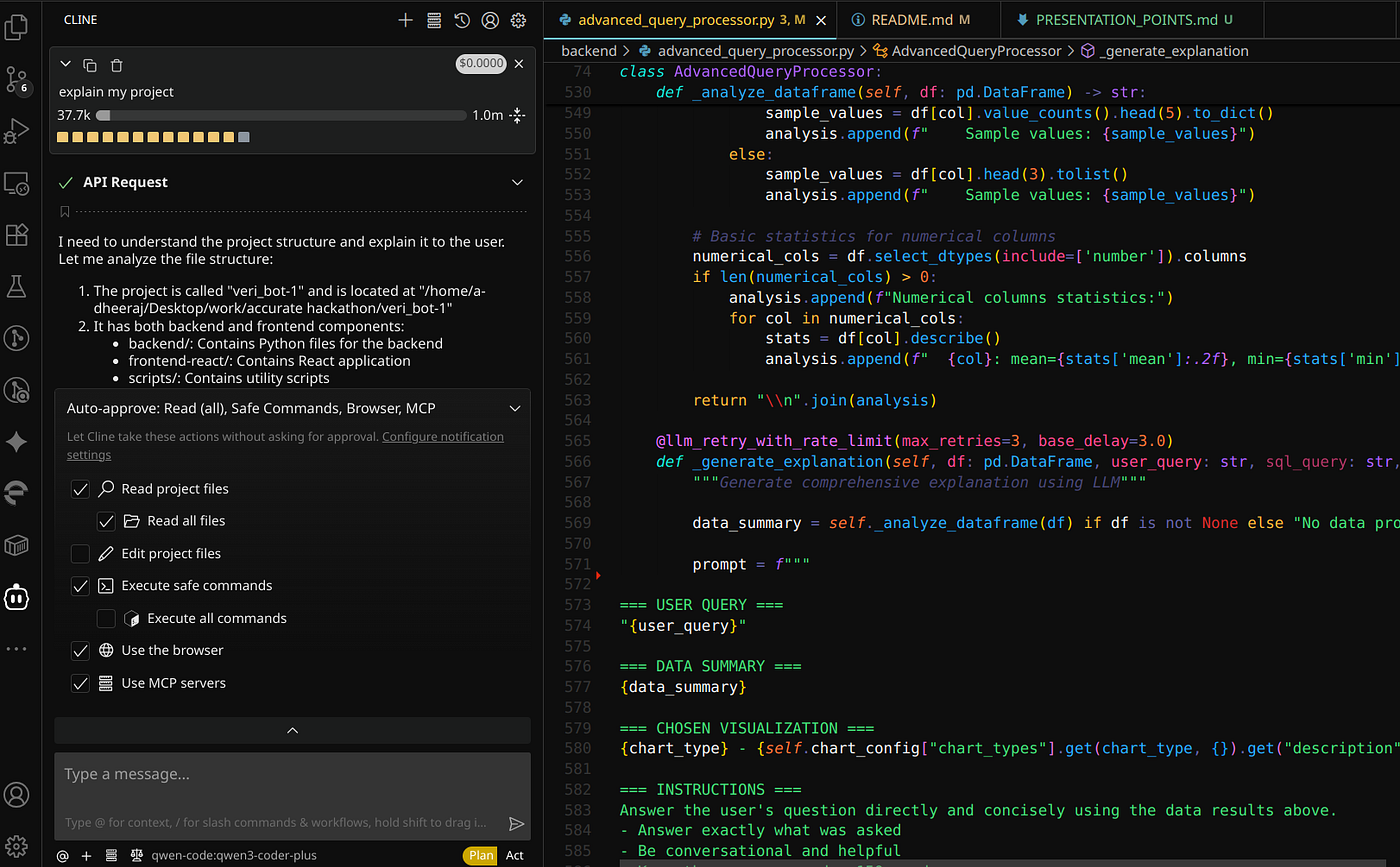
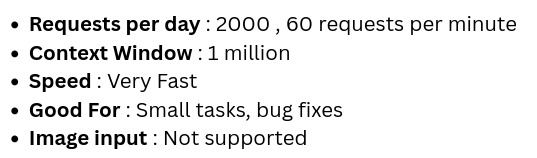
Qwen3-Coder is excellent for solving smaller tasks and bugs quickly. The speed is very high.
Install and configure via Cline for IDE.
Setup:
- Install Qwen-Code CLI
npm install -g @qwen-code/qwen-code@latest - Authenticate via the browser popup (OAuth) when prompted by the CLI
- Install VS Code Extension
Install the "Cline" extension from the VS Code Marketplace and select "Qwen Code" from the model dropdown menu
Tip: Use qwen-coder-plus in "Plan" mode and qwen-coder-flash in "Act" mode for a smooth workflow.
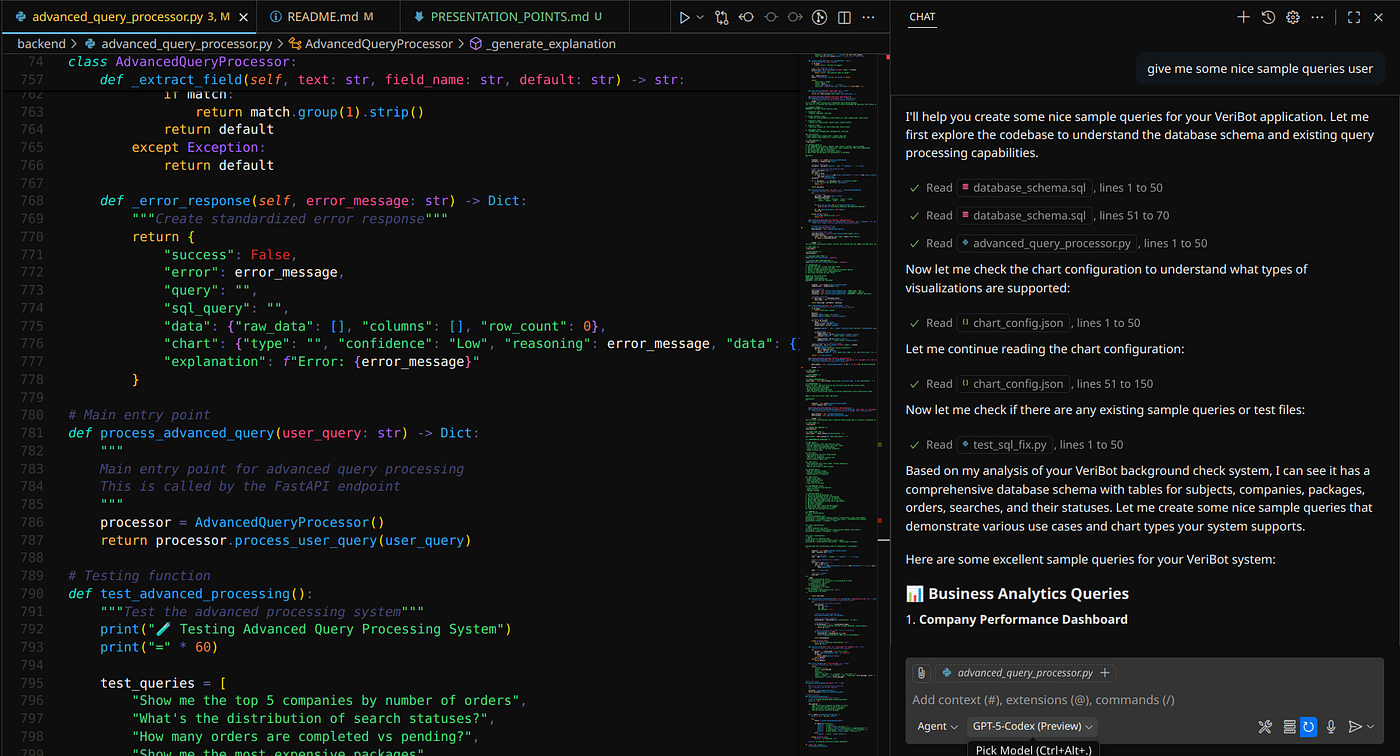
Access to two premium models included. Limited completions but works well for casual coding.
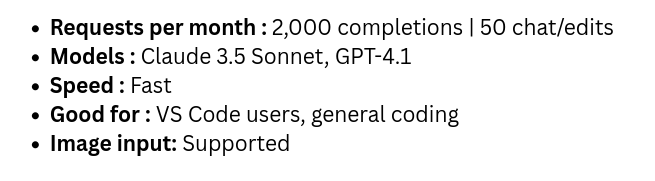
Setup:
- Install GitHub Copilot
Install the "GitHub Copilot" extension from the VS Code Marketplace. - Sign In
Sign in to your GitHub account when prompted by the extension. - Start Coding
You can start using the Copilot models immediately, which are available in the VS Code sidebar.
Note: "Edit" mode may have bugs. It is recommended to use "Agent" and "Ask" modes instead.
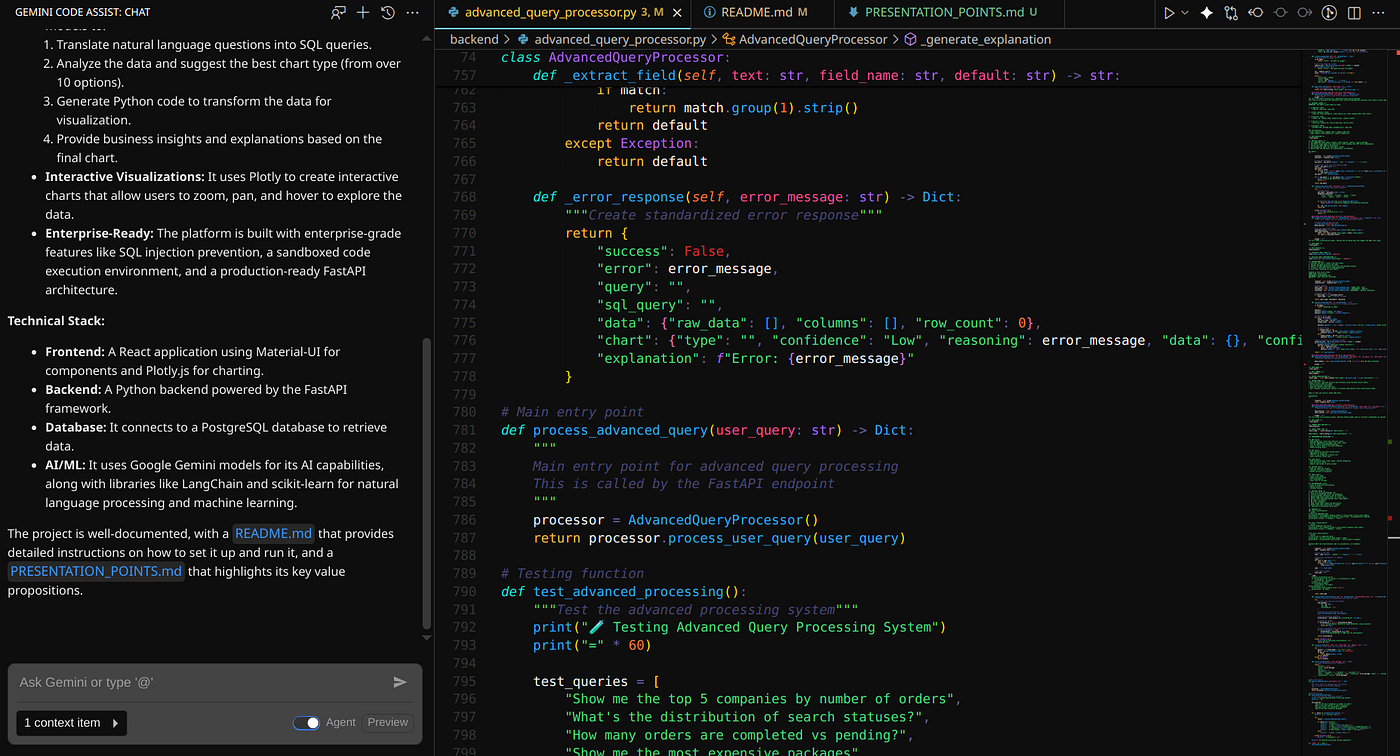
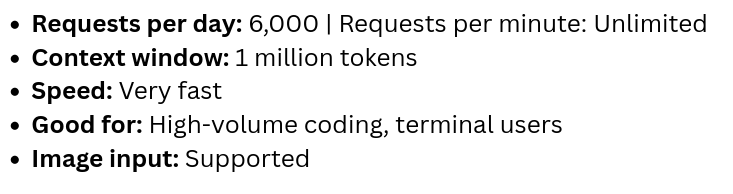
Most generous free tier. 6,000 daily completions (180,000/month) far exceeds all competitors. Includes Gemini CLI for terminal coding.
Setup:
- Install the Extension
Install the "Gemini Code Assist" extension in your IDE (e.g., VS Code, JetBrains). - Sign In
Sign in using your personal Google account when prompted.
Note: By default, your code is used for training. You must opt out of this daily in the extension's settings if you wish to disable it.
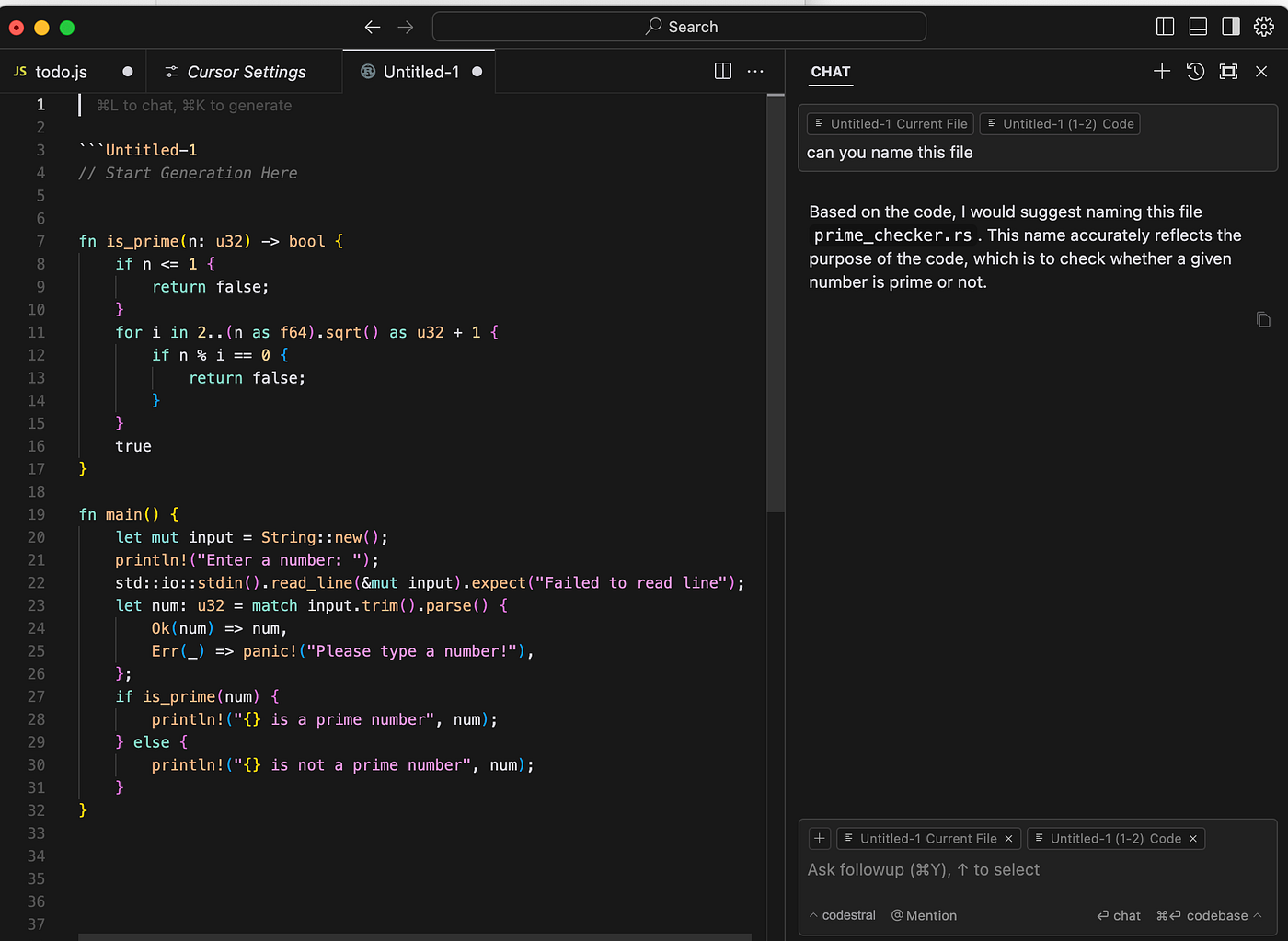
Deepest codebase context. Indexes your entire project for full architectural awareness.
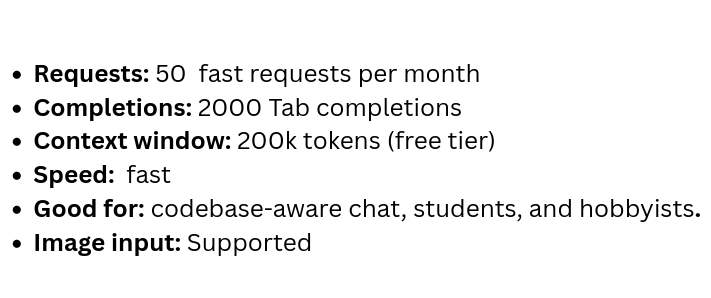
Setup:
- Download & Run the Installer
Go to the official Cursor website (cursor.com) and download the correct version for your operating system (macOS, Windows, or Linux). - Launch and Sign In
Open the Cursor application from your applications menu or desktop. You will be prompted to sign in or create a new account to complete the setup.
Thanks for reading! If you found this blog helpful, please leave a clap.
I personally like using GitHub Copilot, especially since it's included with the GitHub Student Developer Pack.
I'd love to hear from you — feel free to share any other AI IDEs or extensions you use in the response below!